Translator
Simple plugin that translates all translatable fields and properties in the background using the DeepL plugin. Ideal for online shops with international sales.
Purchase the Plugin
This plugin can be purchased in the Shopware Community Store.
Important note: You need the Foundation Plugin, which is available free of charge: moori Foundation
Initial Setup
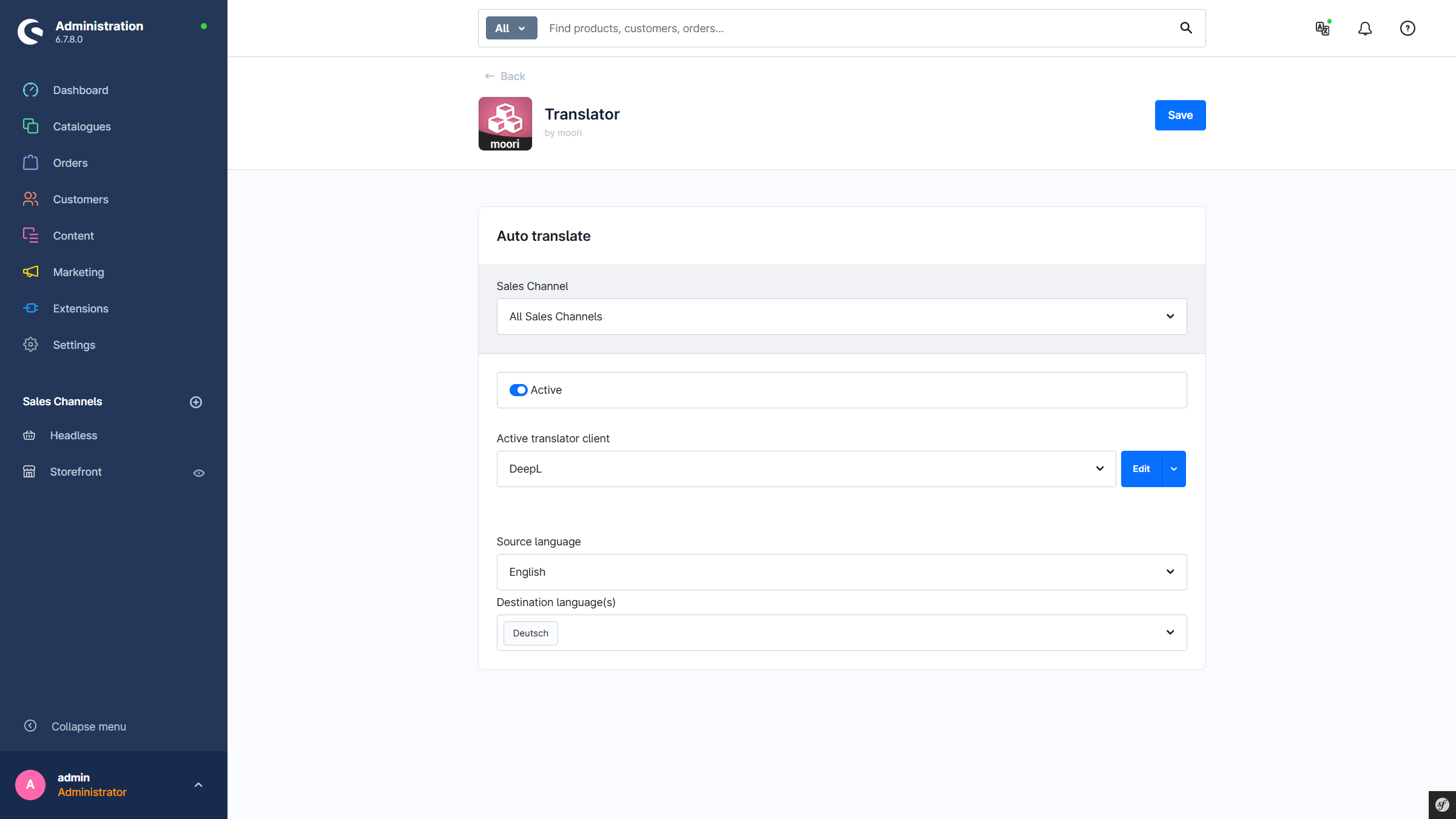
Plugin Configuration
- Active: The plugin is active. This can also optionally be toggled via the service icon in the top right.
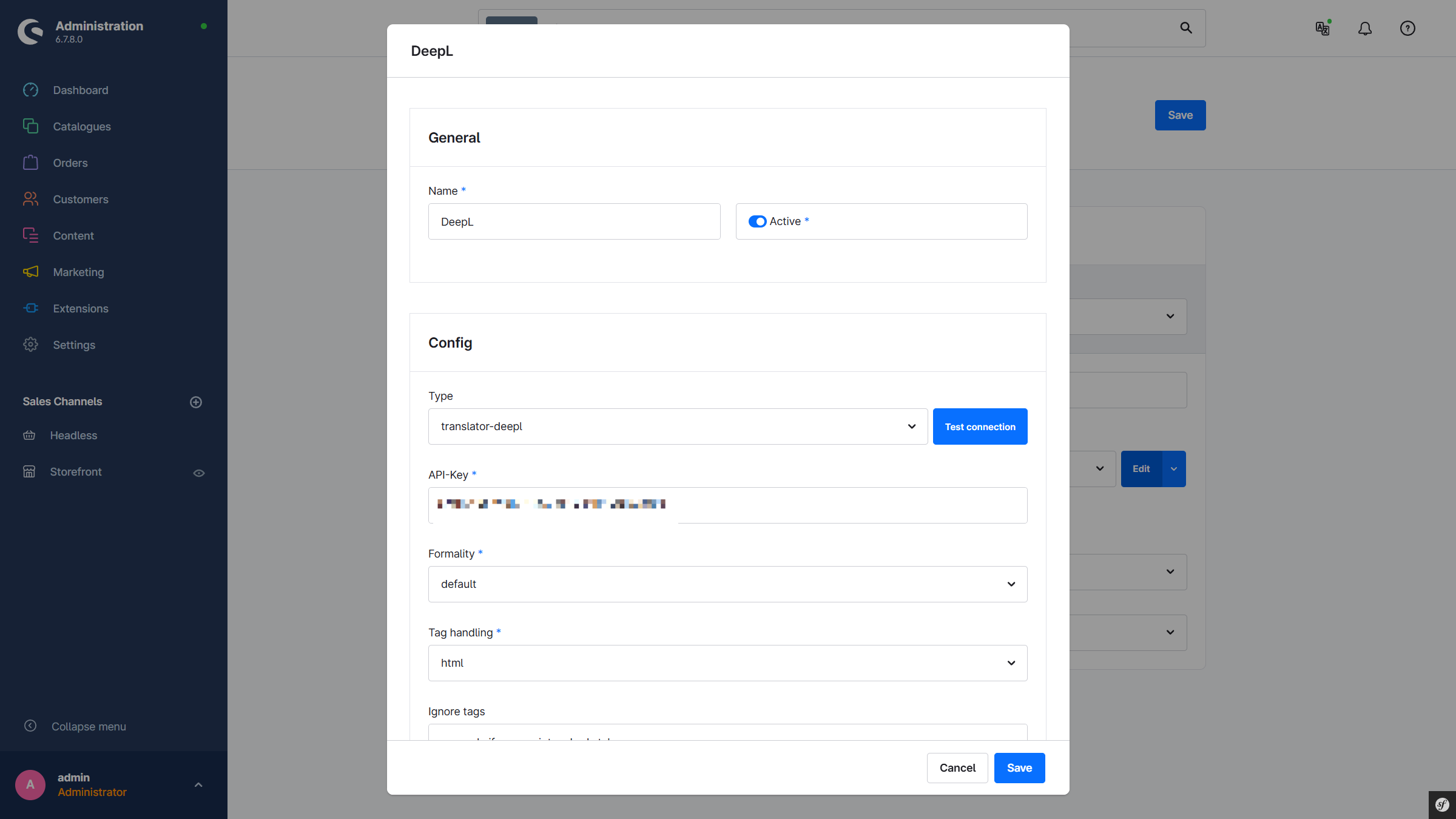
- Translator Client: The API client that provides the translation service. The technical name of the client always starts with
translator-. By default,translator-deeplis selected. - Source Language: The language used as the source language for translation. By default, the system language is selected.
- Target Languages: The languages into which the source language is translated.
Entity Configuration (Products, Categories, etc.)
In the main navigation of the admin under Settings → Translator Configuration, there is an overview of all created entries. Here, new entries can be created and existing entries can be duplicated or deleted.
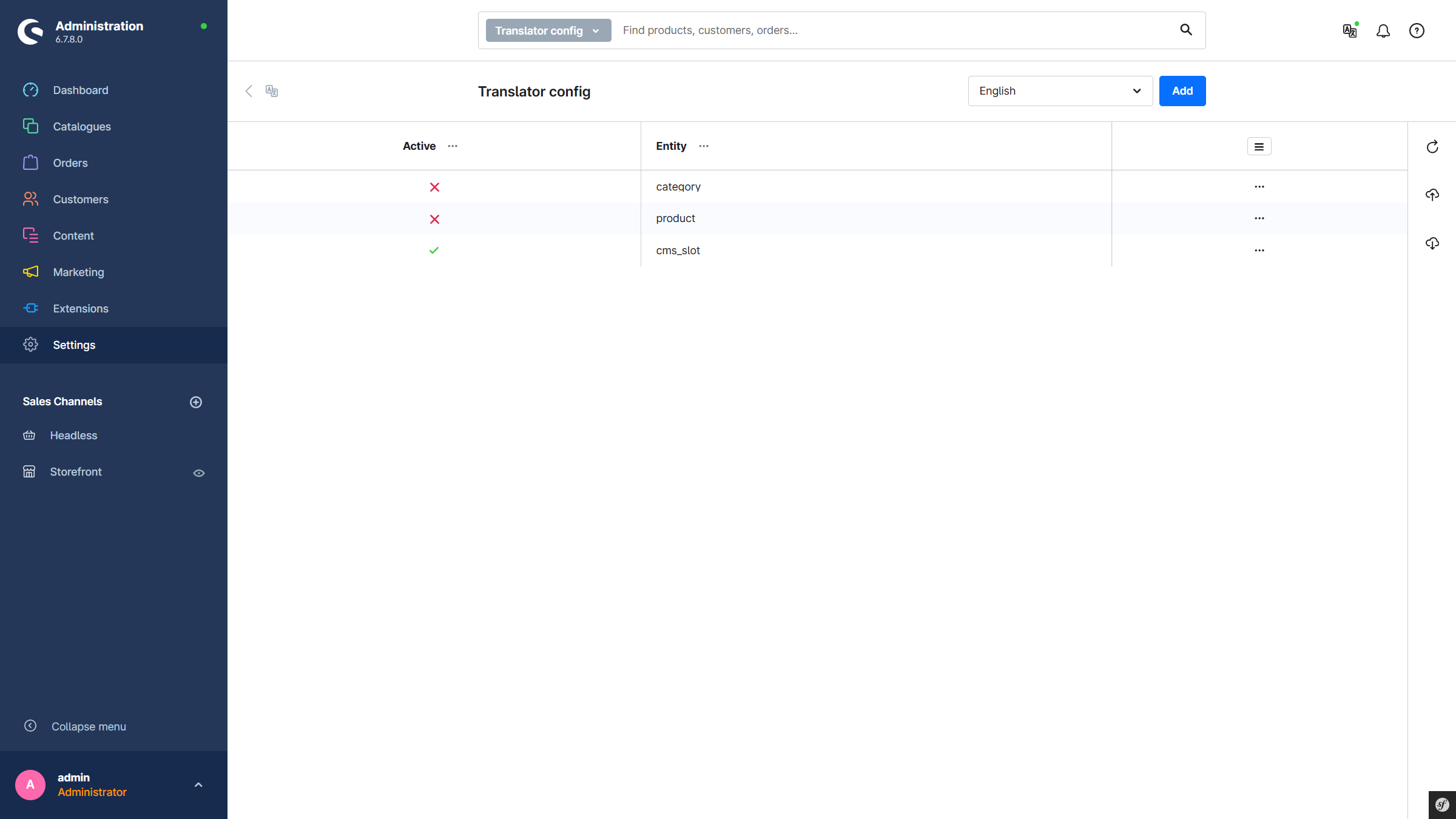
Add a New Entity
Click Add.
Input Form for an Entity
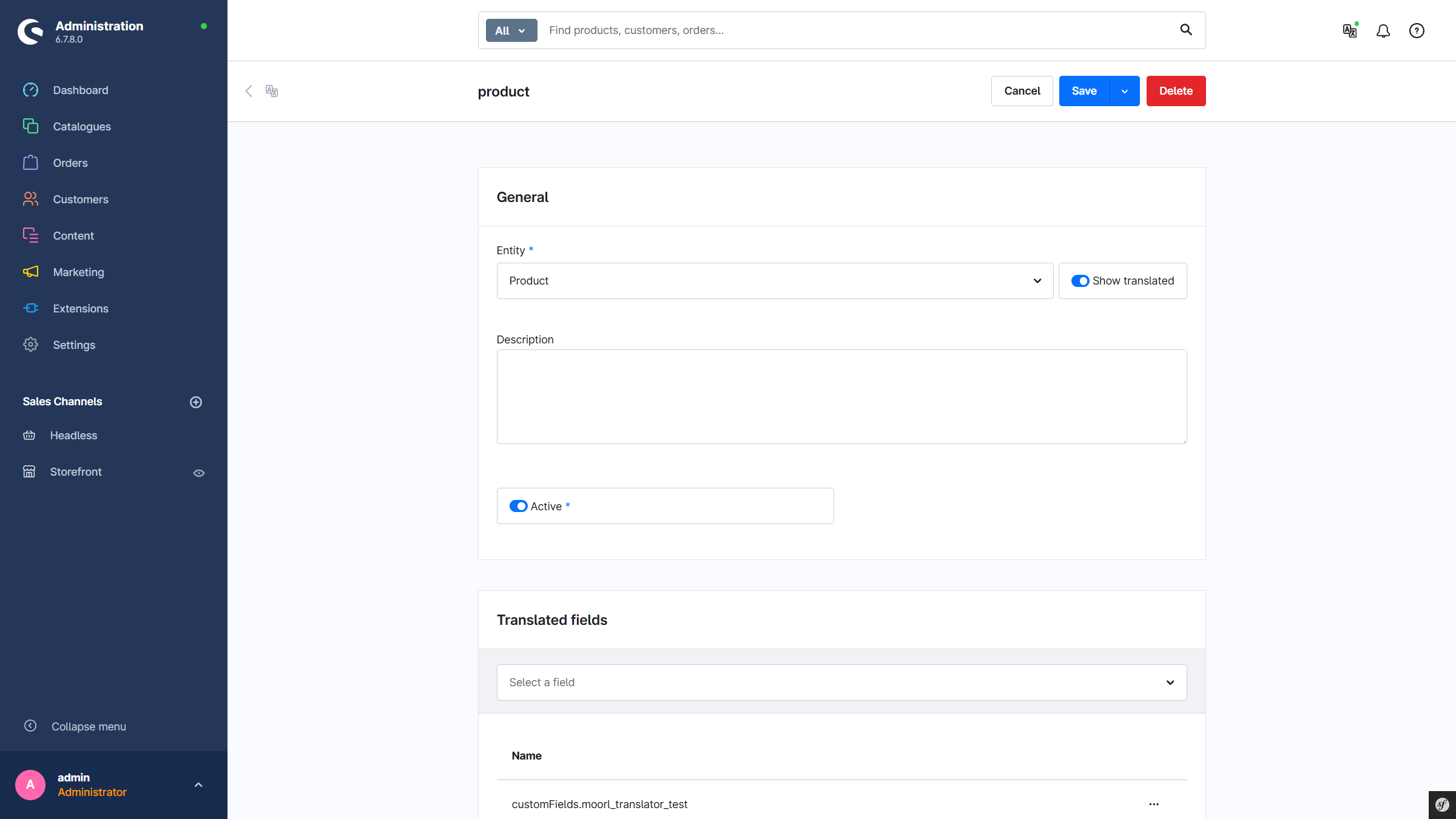
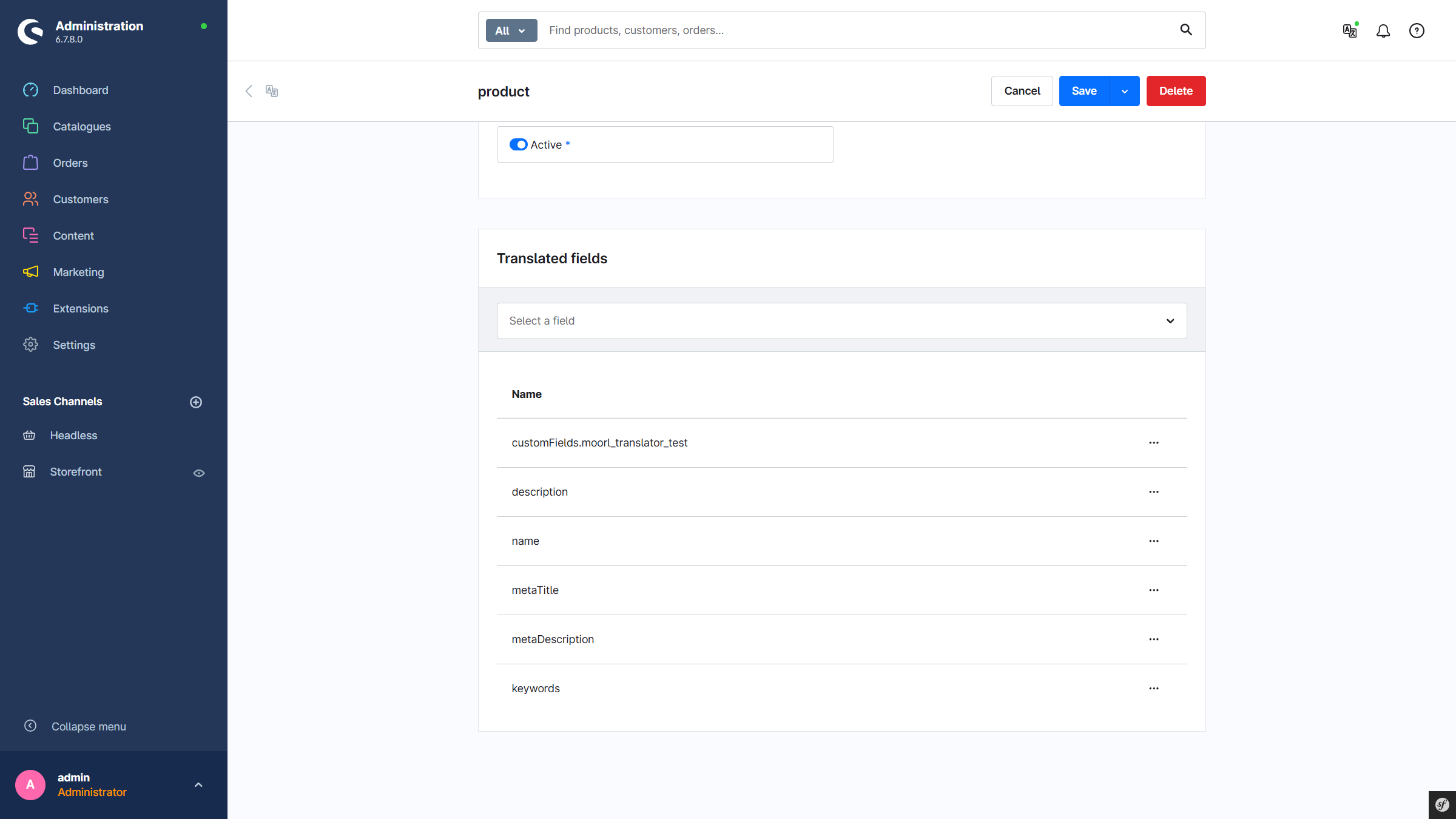
General:
- Entity: Selection of the desired entity. Entities without translatable fields are not listed.
- Description: An internal description for the configuration.
- Active: This configuration is active.
Translatable Fields:
- A list of fields that are translated automatically. Custom fields can also be translated. The
slotConfigfield is currently not yet supported. If emptymeans that the field is only translated if no value exists in the target language.
CMS Element Configuration
In the main navigation of the admin under Settings → Translator CMS Slot Configuration, there is an overview of all created entries. Here, new entries can be created and existing entries can be duplicated or deleted.
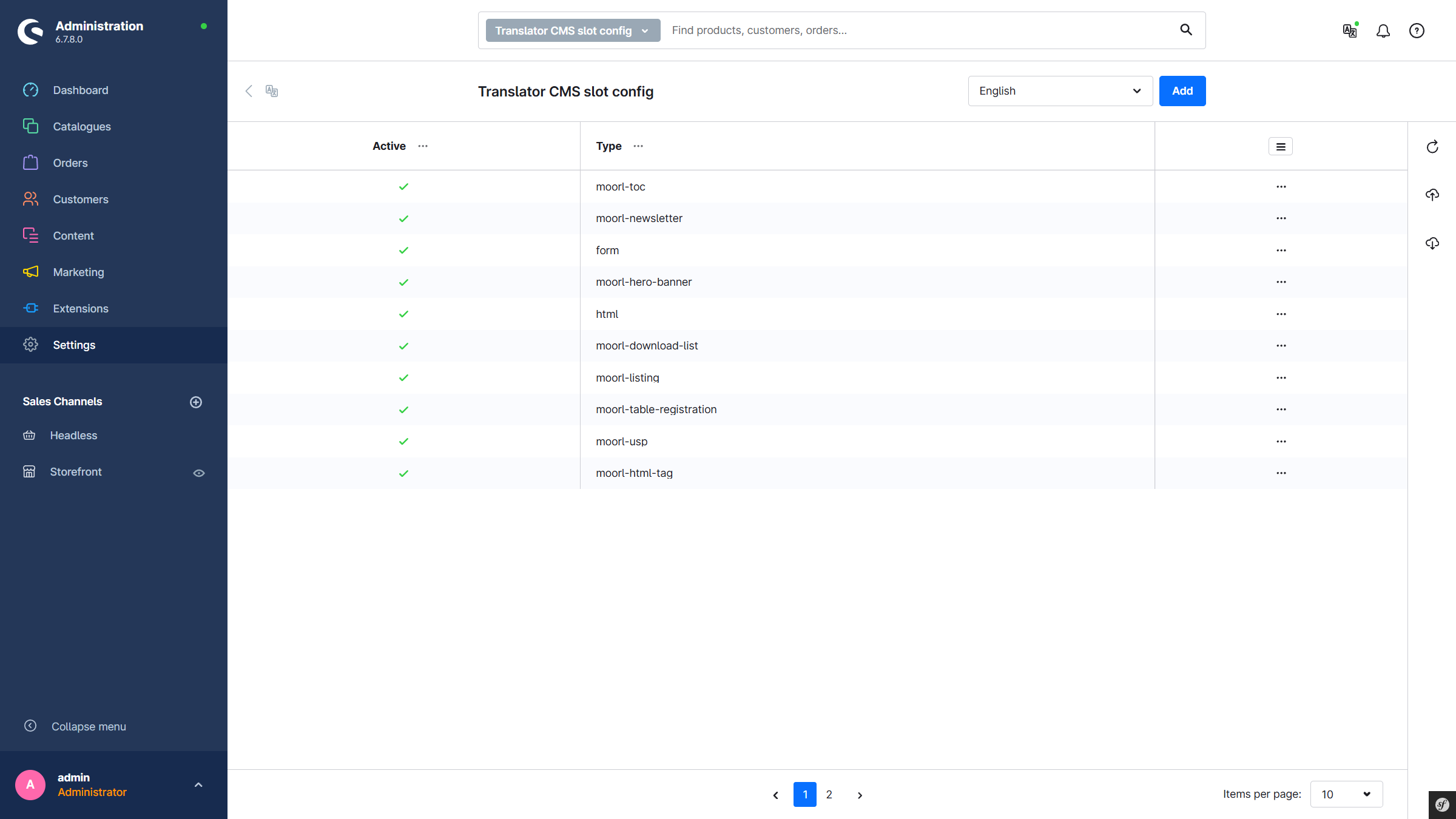
Add a New CMS Element
Click Add.
Input Form for a CMS Element
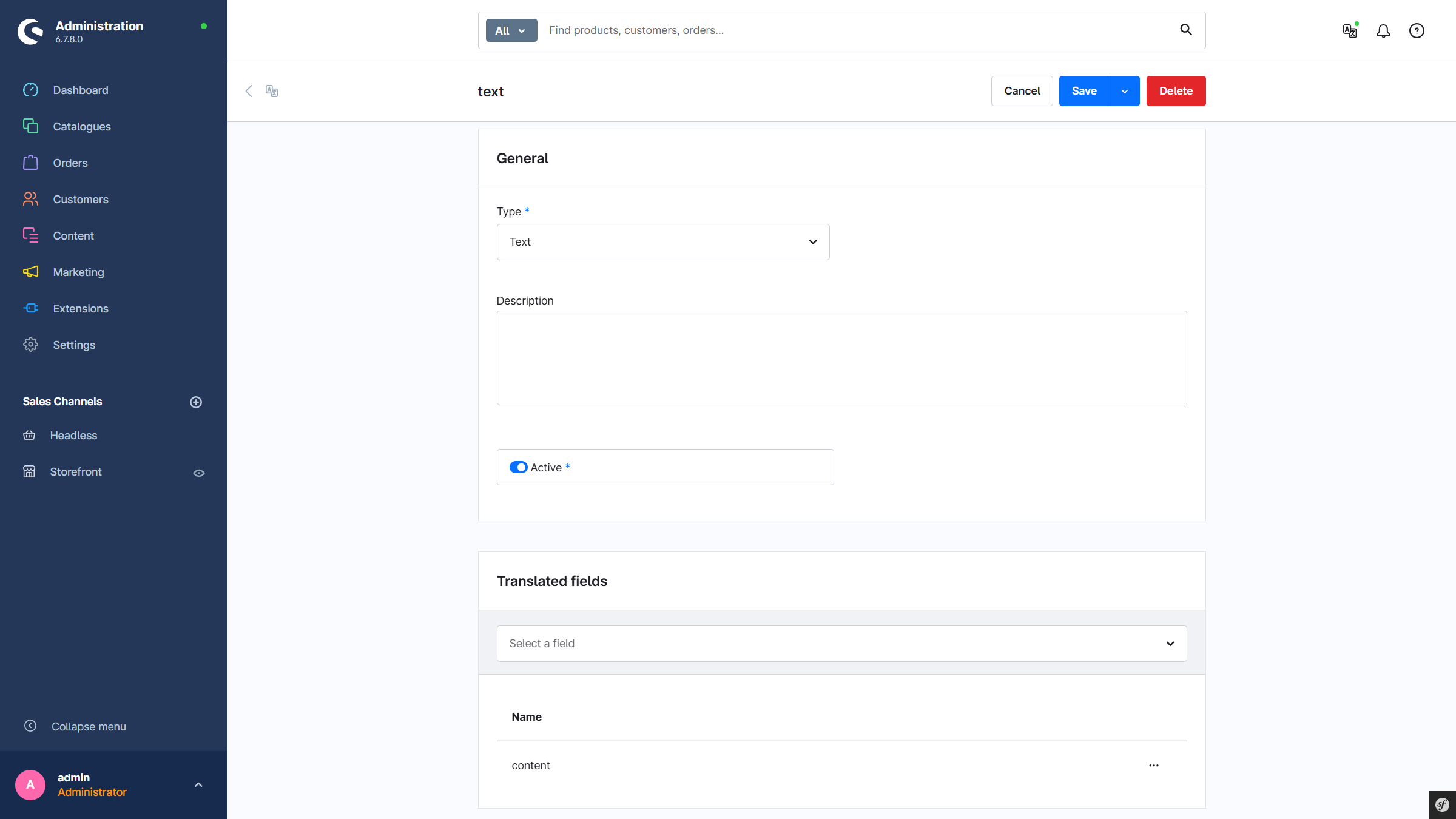
General:
- Type: The type/name of the CMS element.
- Description: An internal description for the configuration.
- Active: This configuration is active.
Translatable Fields:
- A list of fields that are translated automatically.
If emptymeans that the field is only translated if no value exists in the target language.
Service Icon
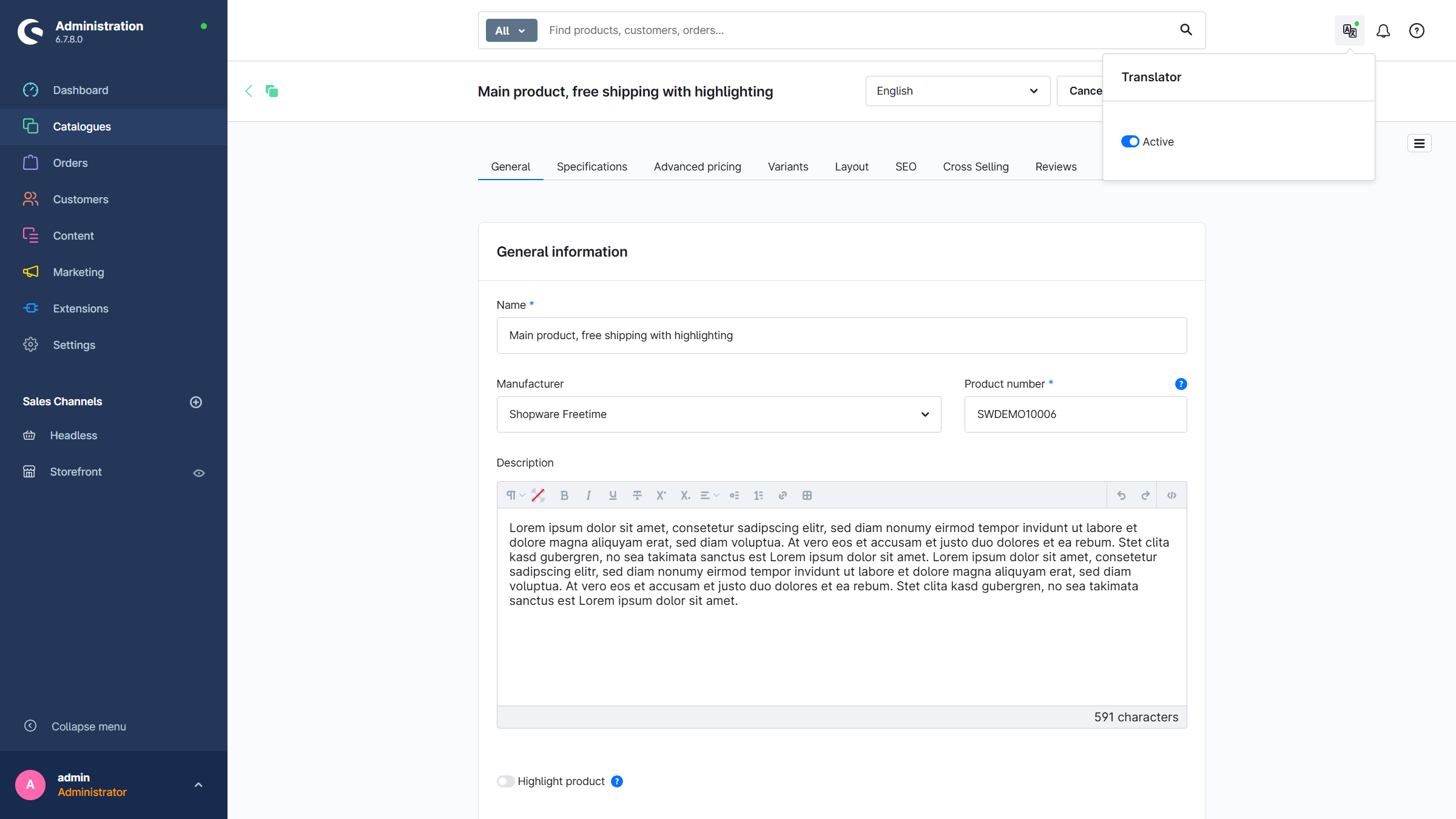
The automatic translation can be activated or deactivated via the service icon. The green dot above the icon indicates the current status.