Extended Manufacturer
This plugin makes it possible to highlight manufacturers and brands more prominently. There are many ways to do this, such as creating your own CMS pages including products and SEO.
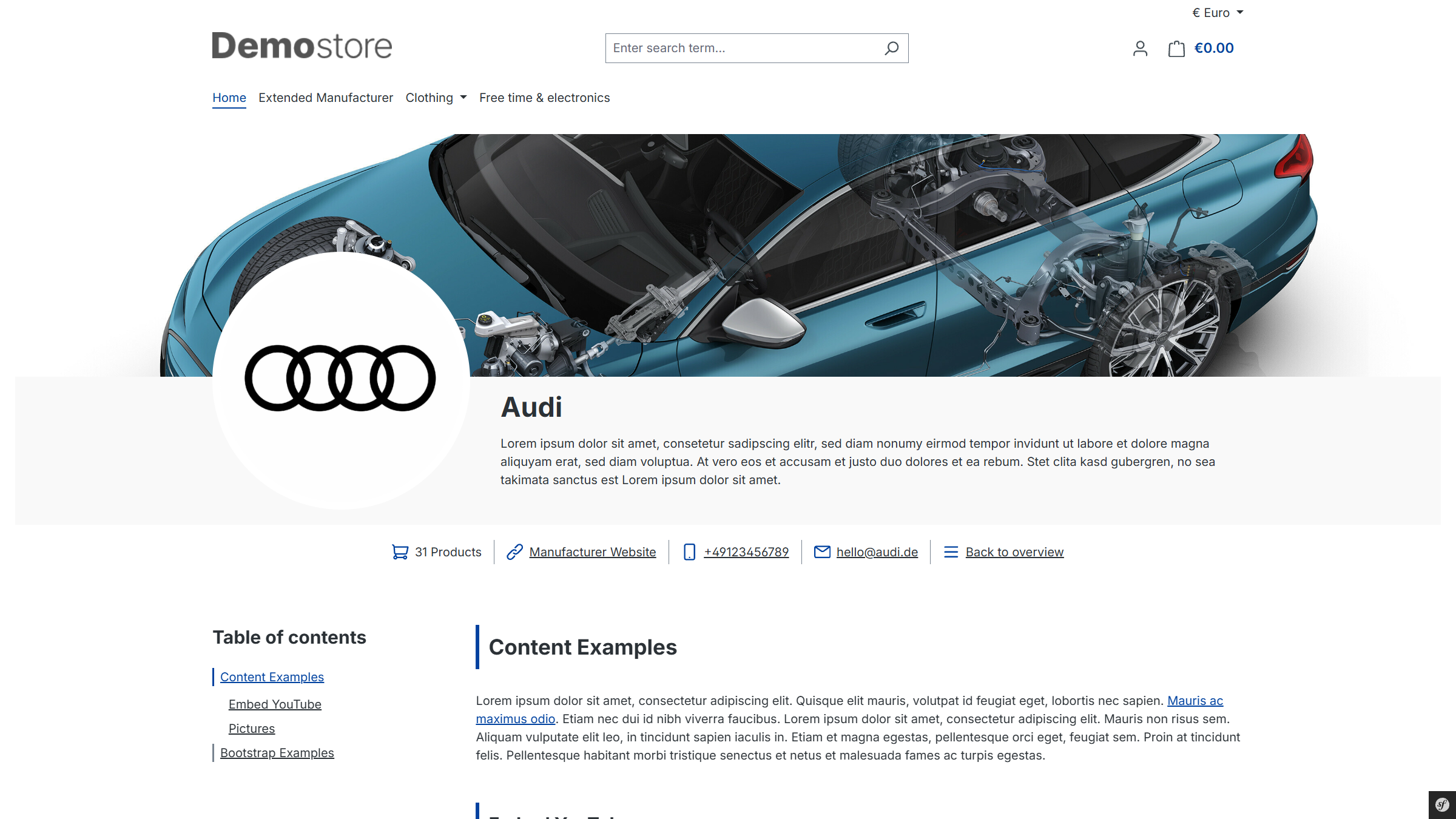
Plugin Demo
A storefront demo is available for testing this plugin. The plugin can be tested at the following link:
Purchase the Plugin
This plugin can be purchased in the Shopware Community Store.
Important note: You need the Foundation Plugin, which is available free of charge: moori Foundation
Quickstart
A demo package is available for testing this plugin.
Go to “Settings → Demo Assistant” and select “MoorlManufacturer”.
Note: In some cases, new categories and pages will be added to your shop. Please note that the demo data is provided for testing purposes only. The images included may be protected by copyright and must not be made publicly available.
Initial Setup
Plugin Configuration
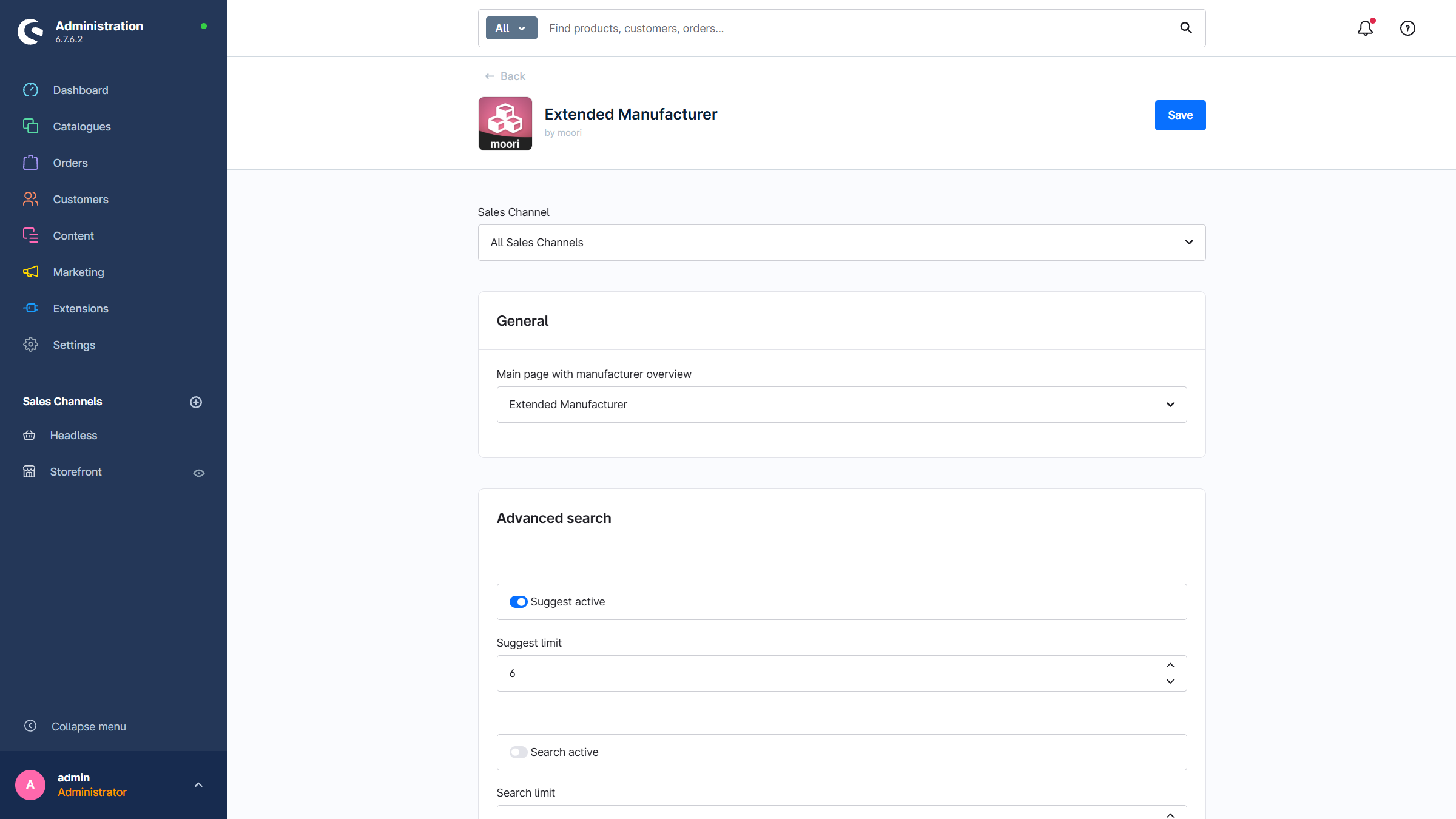
- Main page with manufacturer overview: The category in which all manufacturers are listed
- Advanced search: Foundation | Advanced Search
General Overview
Via the main navigation in the admin panel: Catalogues → Advanced Manufacturers, you get an overview of all created entries. Here you can create new entries or duplicate or delete existing ones.
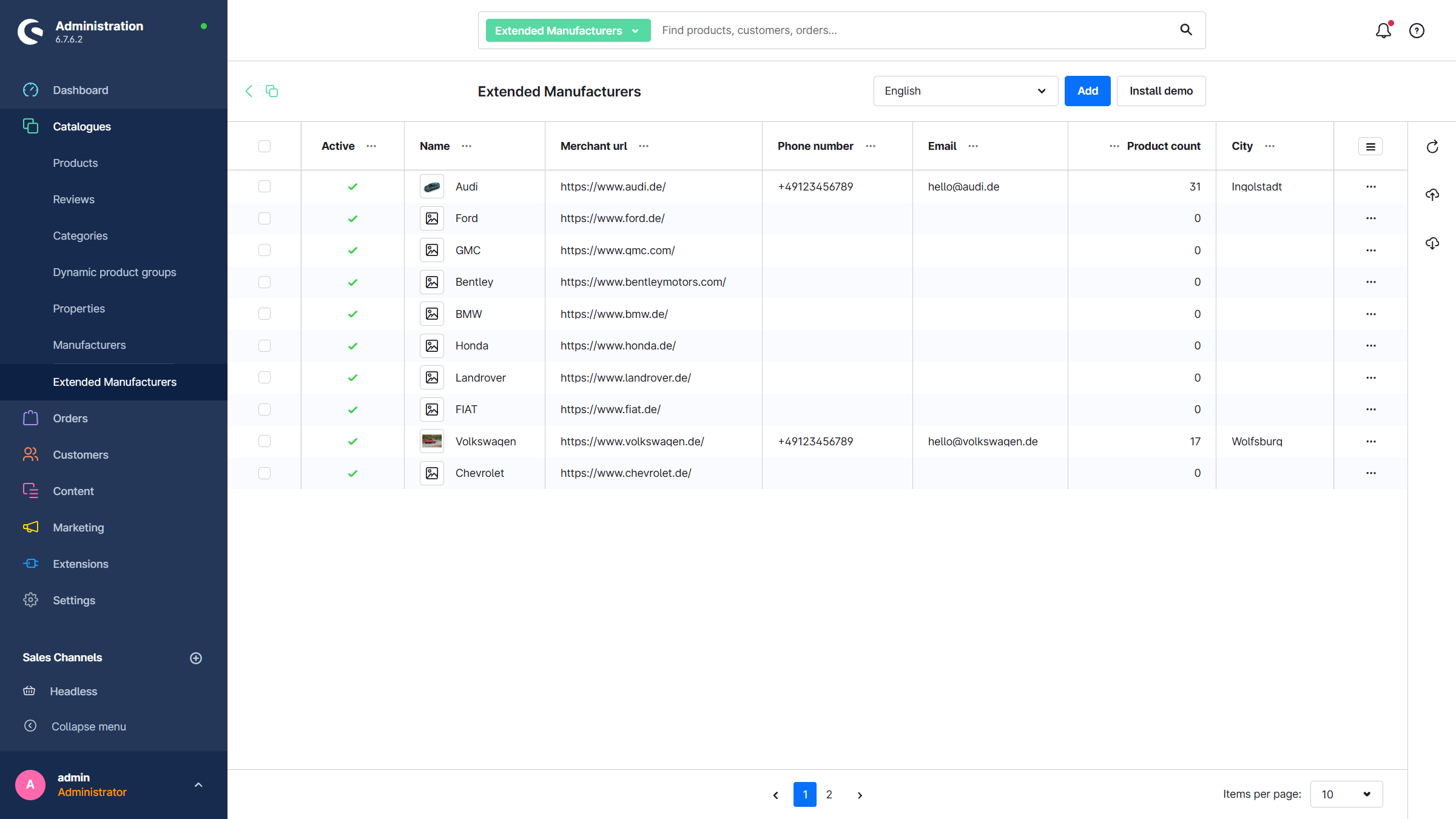
Add a new Manufacturer
This plugin is based on the manufacturers that already exist in Shopware and can optionally extend them. To create an extended manufacturer, at least one manufacturer must already be created in Shopware.
First, create a manufacturer in Shopware:
Catalogues → Manufacturers → Add manufacturer.
After that, you can create a new extended manufacturer:
Catalogues → Advanced Manufacturers → Add.
Input Form
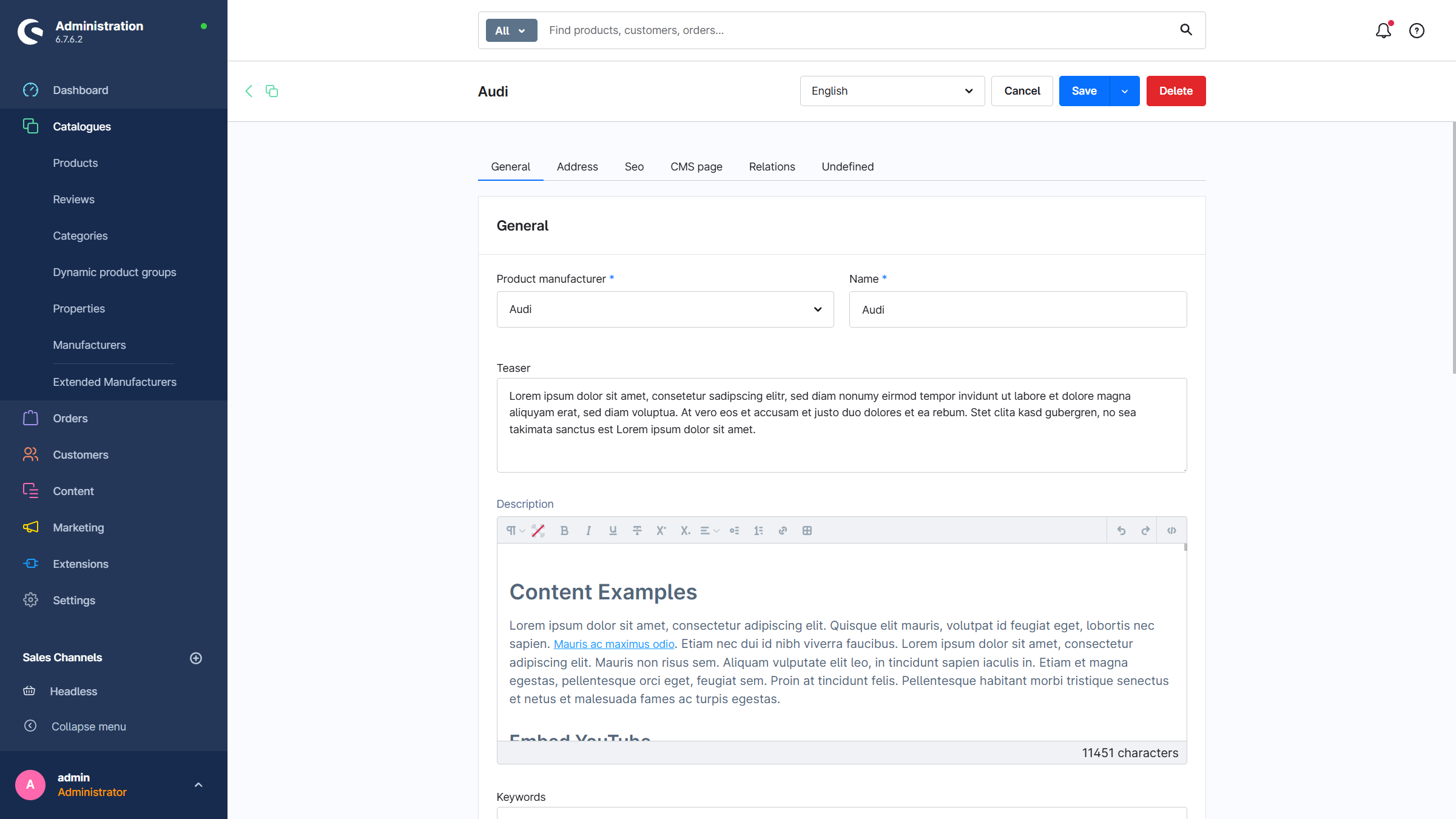
General:
- Product manufacturer: The manufacturer that is extended by the plugin
- Name: Name of the manufacturer
- Teaser / short description
- Description in HTML format
- Keywords
Visibility:
- Active
- Categories: Product listings in the storefront in which the manufacturer appears. You can jump directly from the manufacturer page to the category via a link, with the manufacturer already preselected in the filter.
- Tags: Appear in the CMS meta area of the manufacturer page. Manufacturers can also be filtered by tags.
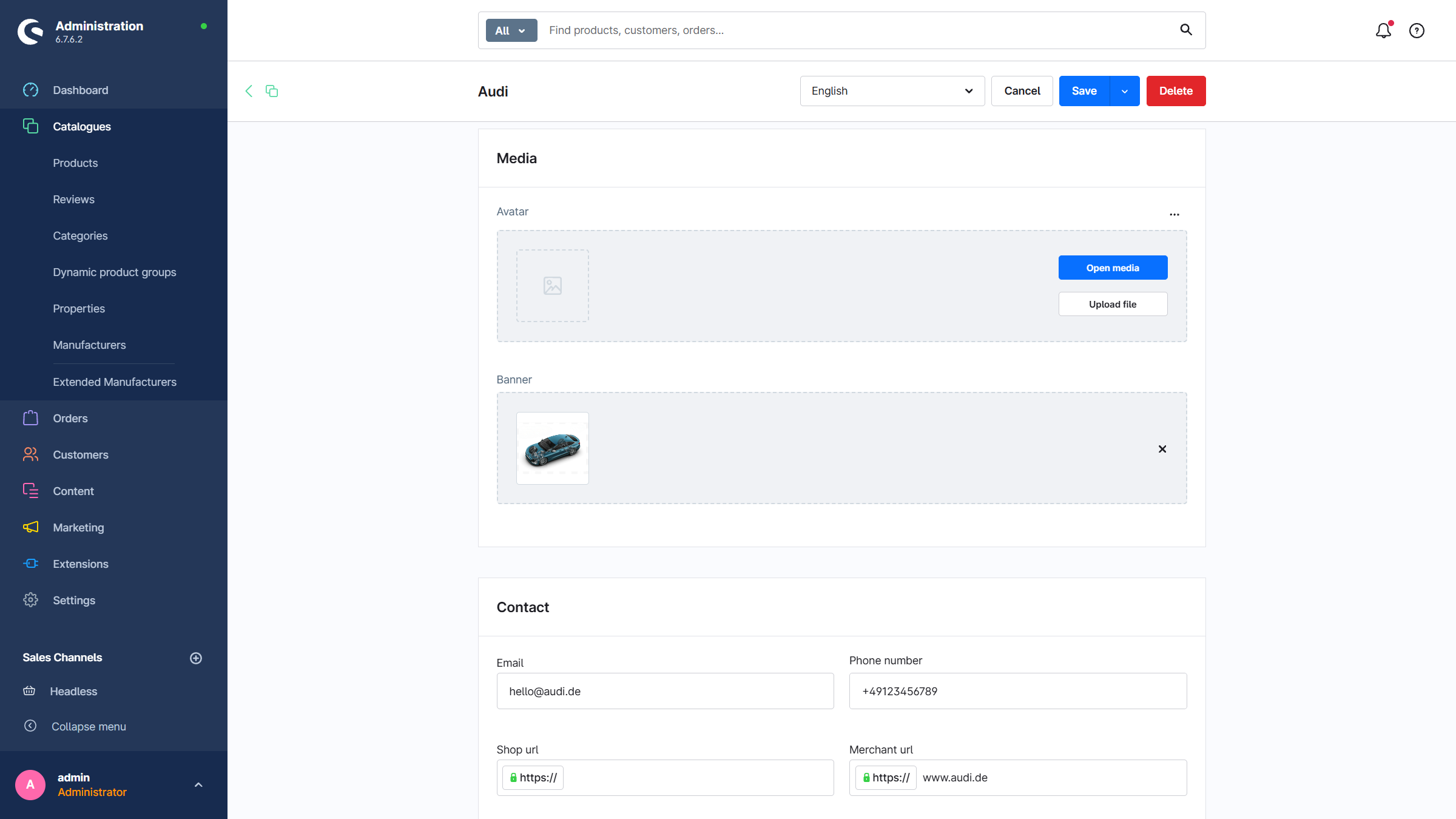
Media:
- Avatar: The manufacturer logo can be overridden by this image
- Banner: A banner for the manufacturer page in the storefront
Contact: General contact options
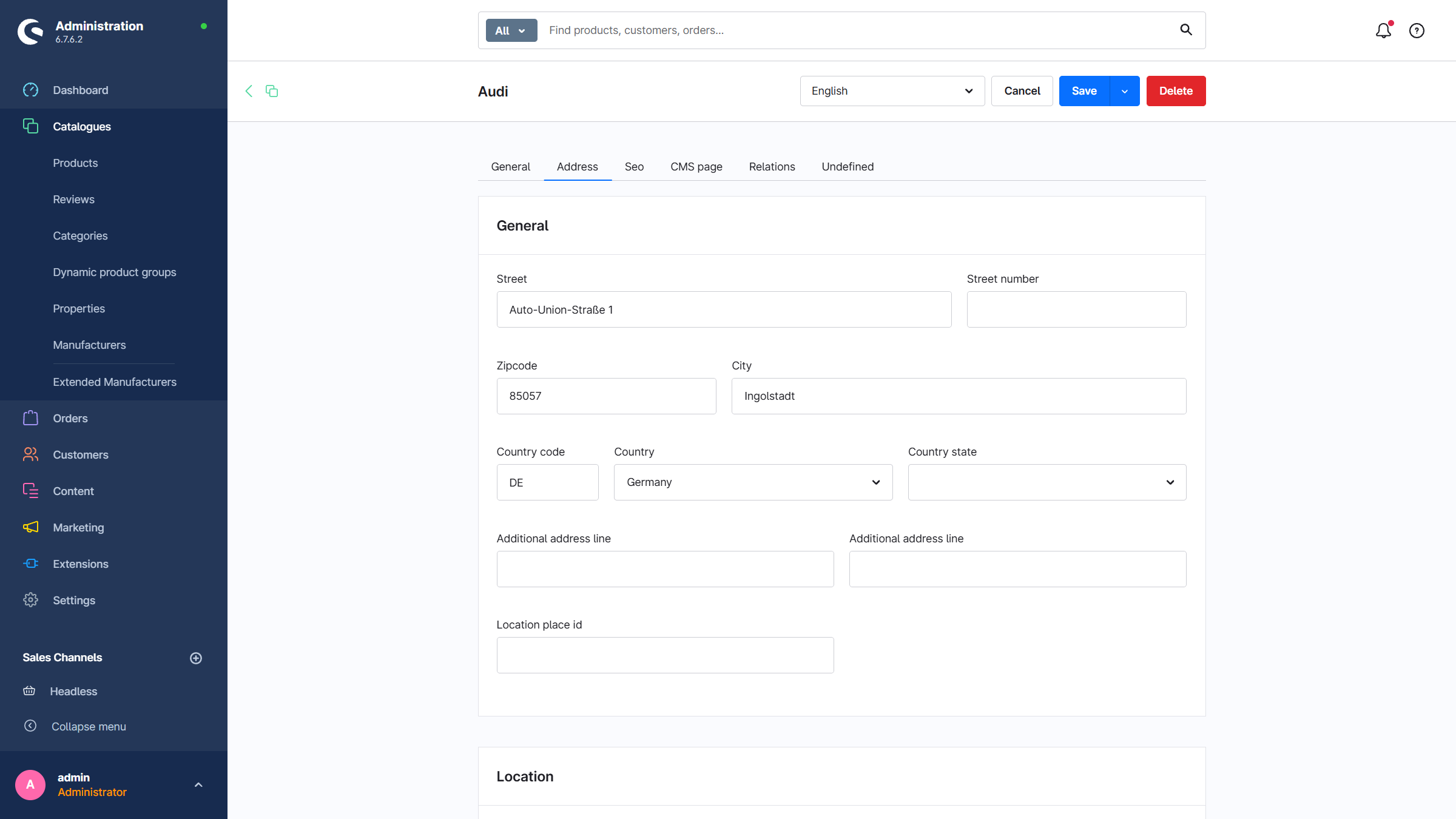
Address: Address and geocoordinates of the manufacturer
SEO: Meta information for the manufacturer
CMS Page: Assignment and configuration of the manufacturer's CMS page
CMS Pages
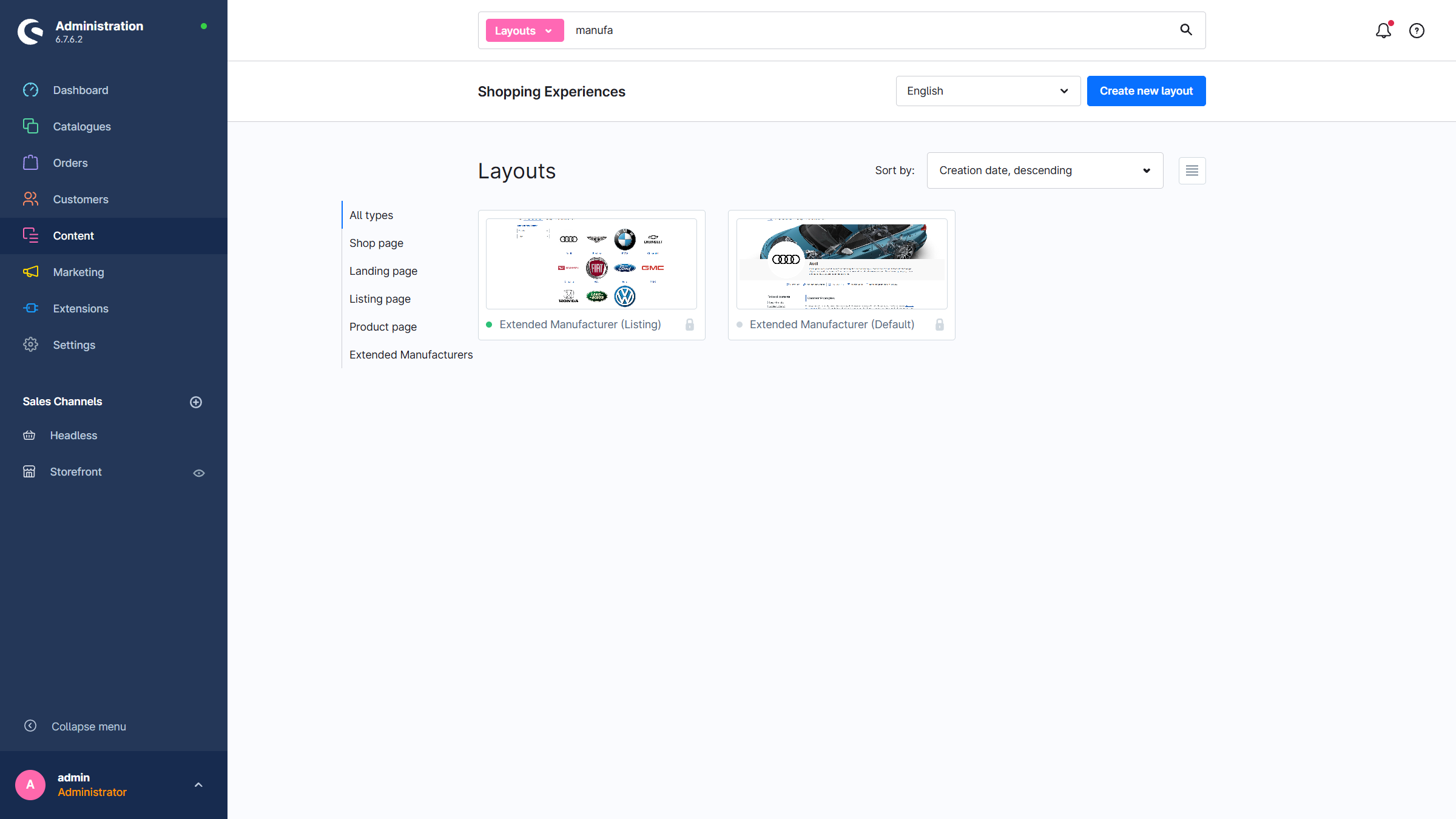
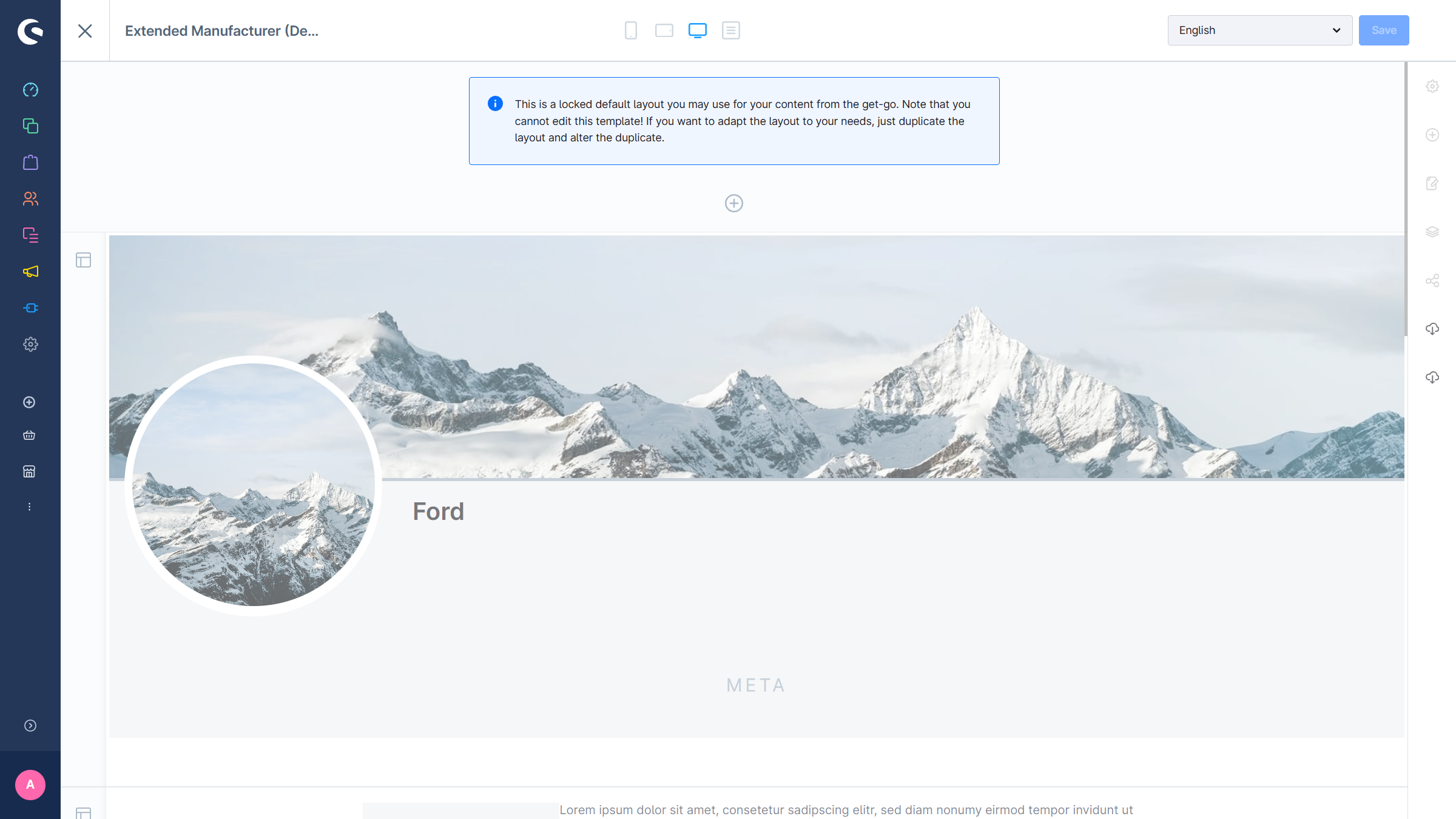
With the installation of the plugin, two CMS pages are created automatically: one page for the overview of all manufacturers and one for the manufacturer detail page. To customize the CMS pages, the existing pages can be duplicated and edited.
Advanced Manufacturers (List)
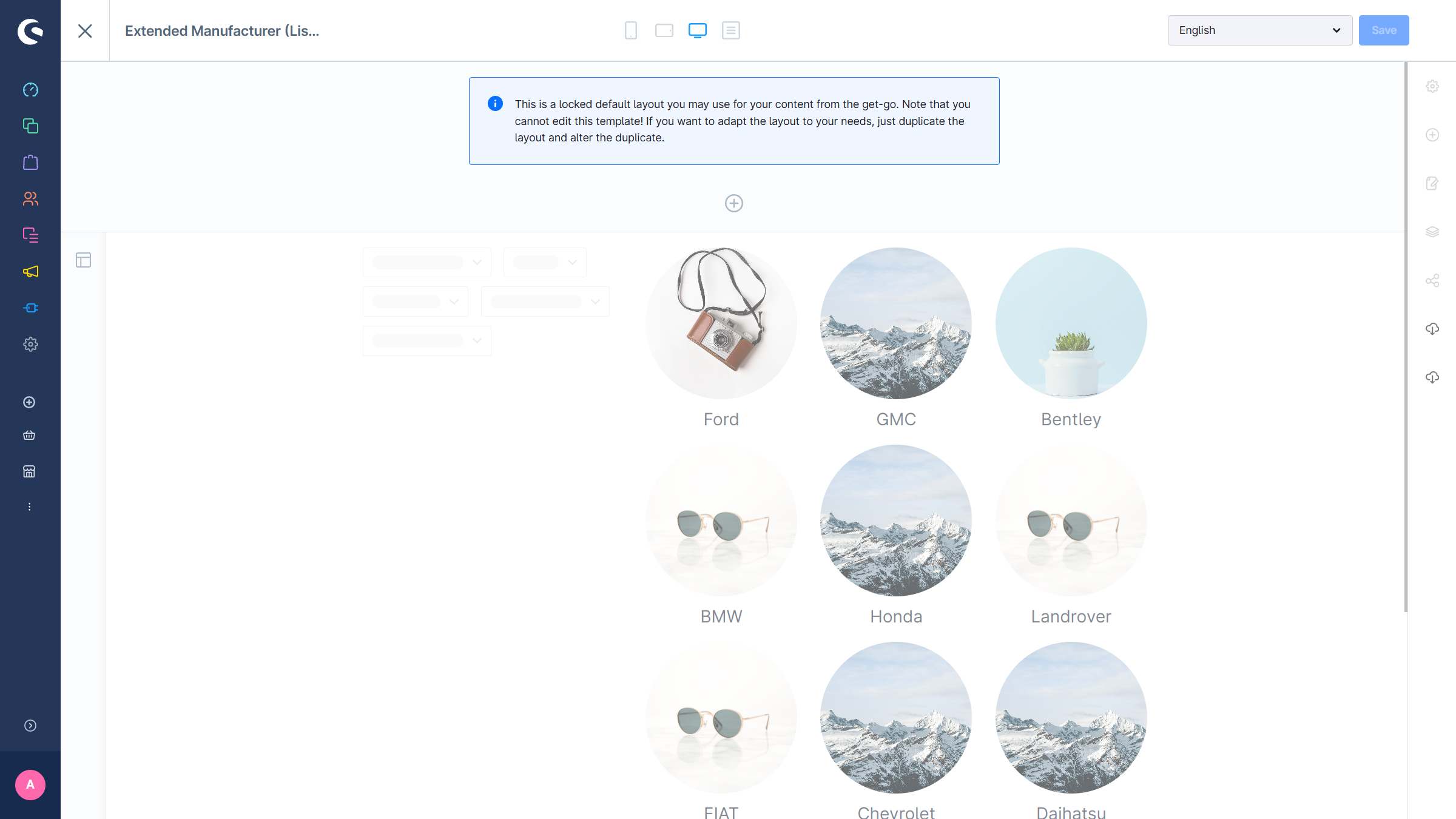
Advanced Manufacturers (Standard)