Foundation | SVG Icons
Available from Shopware 6.5
Used in:
Which icons are available?
- Font Awesome 5: https://fontawesome.com/v5/search – up to Shopware 6.6
- Font Awesome 6: https://fontawesome.com/v6/search
- Font Awesome 7: https://fontawesome.com/v7/search – from Shopware 6.7
- Shopware: https://developer.shopware.com/resources/meteor-icon-kit/
Usage in the admin, e.g. via the settings
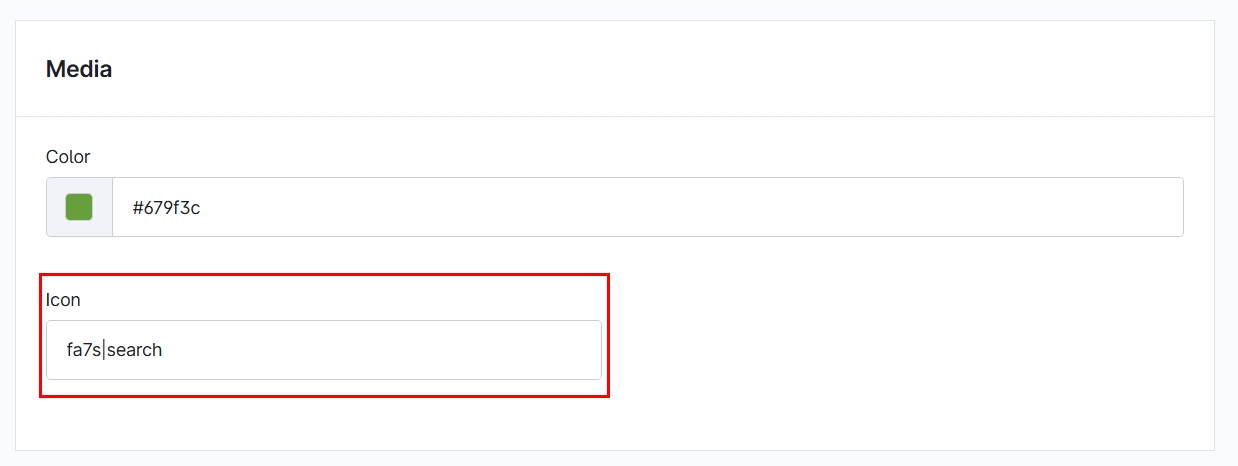
In the settings of plugins and CMS elements, there is often an input field called icon. The following options are available:
General structure: <package name>|<icon name>|<size>
solid|search- Search icon from the packageShopware Meteor Icon Kit | solidsolid|search|xs- Search icon from the packageShopware Meteor Icon Kit | solidin sizexsfa7s|map- Map icon from the packageFont Awesome 7 | solidfa7b|shopware- Shopware icon from the packageFont Awesome 7 | brandsfa6b|shopware|xs- Shopware icon from the packageFont Awesome 6 | brandsin sizexs
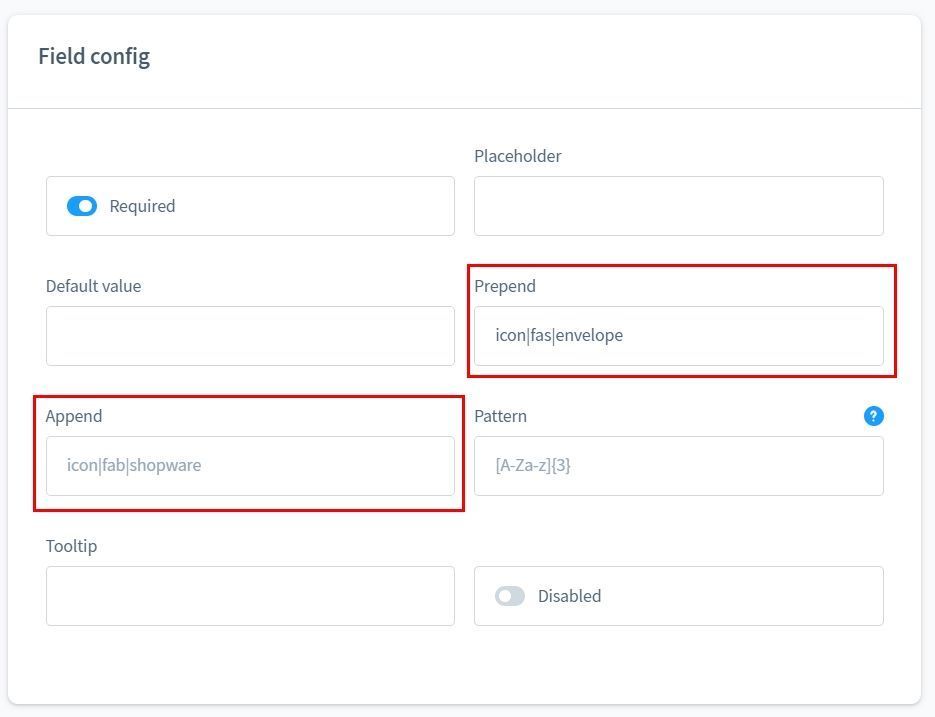
In some plugins, it is possible to insert text or an icon. In this case, icon is prefixed. Example:
icon|solid|search- Search icon from the packageShopware Meteor Icon Kit | solidicon|solid|search|xs- Search icon from the packageShopware Meteor Icon Kit | solidin sizexsicon|fa7s|map- Map icon from the packageFont Awesome 7 | solidicon|fa7b|shopware- Shopware icon from the packageFont Awesome 7 | brandsicon|fa6b|shopware|xs- Shopware icon from the packageFont Awesome 6 | brandsin sizexs
Usage in the Twig template
Map icon from the package Font Awesome 7 | solid in size xs
{% sw_icon 'map' style { size: 'xs', pack: 'fa7s' } %}
Search icon from the package Shopware Meteor Icon Kit | solid in size xs
{% sw_icon 'search' style { size: 'xs', pack: 'solid' } %}